Quick Quest: Validate your first RAD file
In about 10 minutes, you will take one research activity data (RAD) file through ACORN’s core loop:
📥 Download the project
Download the quest fixture, or fetch it from the documentation repository with ACORN:
acorn download https://code.ornl.gov/research-enablement/acorn \
  --filter '^docs/src/_assets/quick-quest/' \
  --flatten \
  --output acorn-quick-quest
cd acorn-quick-quest
Your tiny project contains one RAD record and its fact-sheet graphic:
quick-quest/
├── index.json
└── lazer-kitten.png
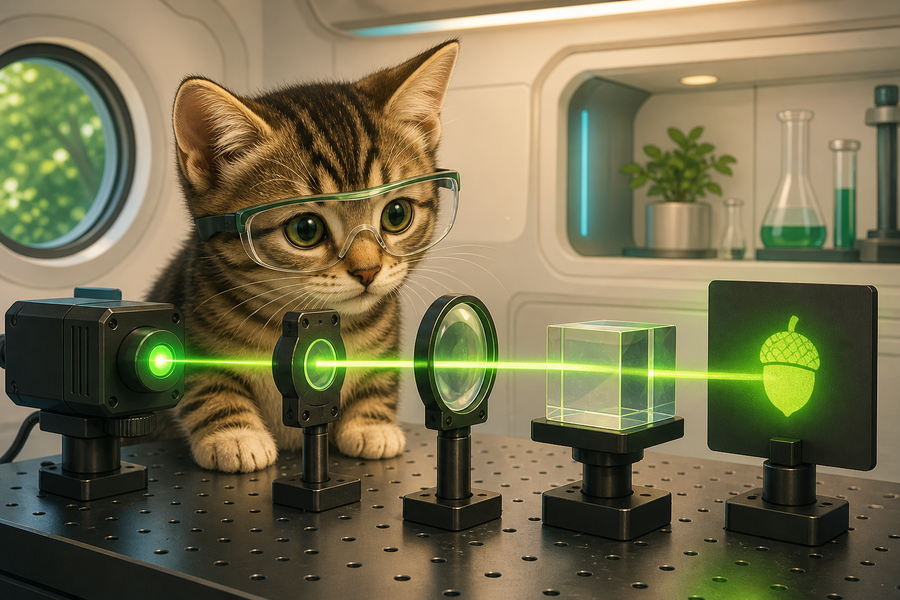
Key fields in the record look like this:
{
  "meta": {
    "id": "quick-quest",
    "media": [{ "contentUrl": "lazer-kitten.png" }]
  },
  "title": "Lazer Kitten Research Lab",
  "subtitle": "A tiny experiment in reusable research storytelling"
}
🔎 Check it
acorn --offline check index.json --skip prose
You should get a successful exit and no schema findings. ACORN may still offer a readability coaching note. --offline makes the lab deterministic; --skip prose avoids synchronizing the optional prose analyzer.
✨ Preview, then format
acorn format index.json --dry-run
acorn format index.json
The first command shows a diff without writing. The second applies normalized formatting and controlled-vocabulary values. A second dry run should show no remaining changes.
📤 Export shareable files
acorn --offline export index.json --format cff --skip prose
acorn --offline export index.json --format pdf --skip prose
Expected artifacts: CITATION.cff, beside index.json, and export/quick-quest.pdf. The PDF uses the downloaded lazer kitten graphic and the full project narrative. Both files come from the same source record, so you can update one file and reproduce every output.
🏆 Quest complete
You now have one human-maintainable source plus citation and PDF outputs.
Next stop: Explore the full Check, Format, and Export guides.